What people are saying
How everyone gets work done faster with Liten
"I apply on job applications 10x faster now. Liten just reads the form and writes exactly what I would've written, sometimes better. It's spooky how good it is."
"Cold outreach used to take me 20 minutes per prospect. Now I click once, tweak one line, and send. My reply rate actually went up because the messages sound more natural."
"I use Liten for research applications, grant forms, conference submissions, etc, anything with a text box. It knows my background and fills things in correctly. Saves me hours every week."
Up and Running in 60 Seconds
Install the Extension
Add Liten to Chrome from the Web Store in one click. No account needed to get started.
Click Any Input Field
Browse normally. When you're on any text field, textarea, or dropdown, click the Liten icon that appears.
Accept or Refine
Liten generates content in context. Accept it with one click, or give a quick instruction to tweak it exactly how you want.
Take a 1-min demo right here:
Click the Liten circle to write.
Simple pricing, serious upgrade
Start free. Go Pro whenever you want to use more. Prices in USD.
Free
Try it out, no card needed
- Access to 100+ AI study tools
- Limited use - 5 times / day
- Create limited custom AI tools
Pro — 1 month
Full access, billed monthly
- Elevated access, more usage
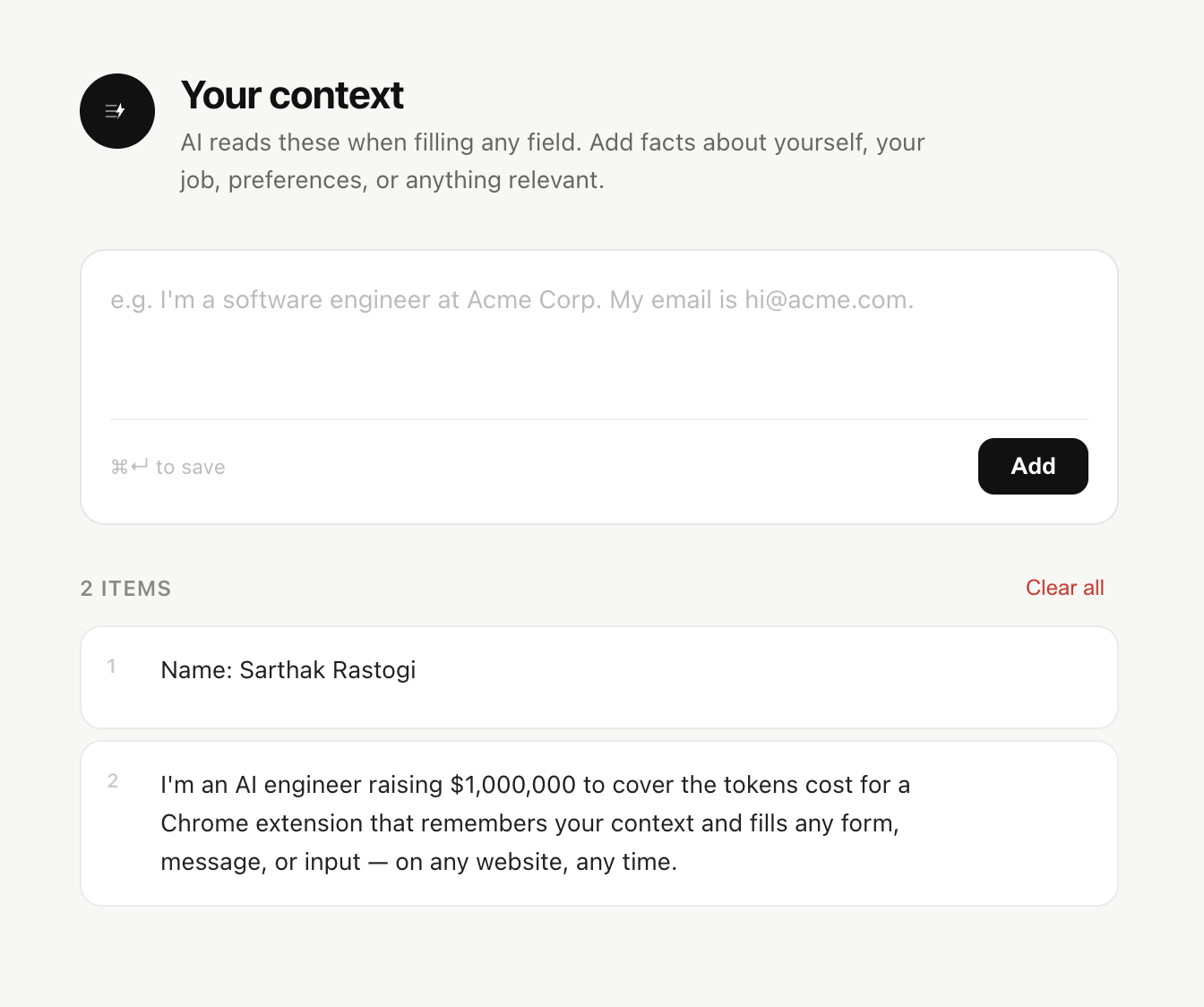
- Store more context for smarter AI responses
- Faster AI generation
- Priority support
Pro — 3 months
Best value
- Elevated access, more usage
- Store more context for smarter AI responses
- Faster AI generation
- Priority support